Machine UX:
A Design System for Two Users
The Trigger
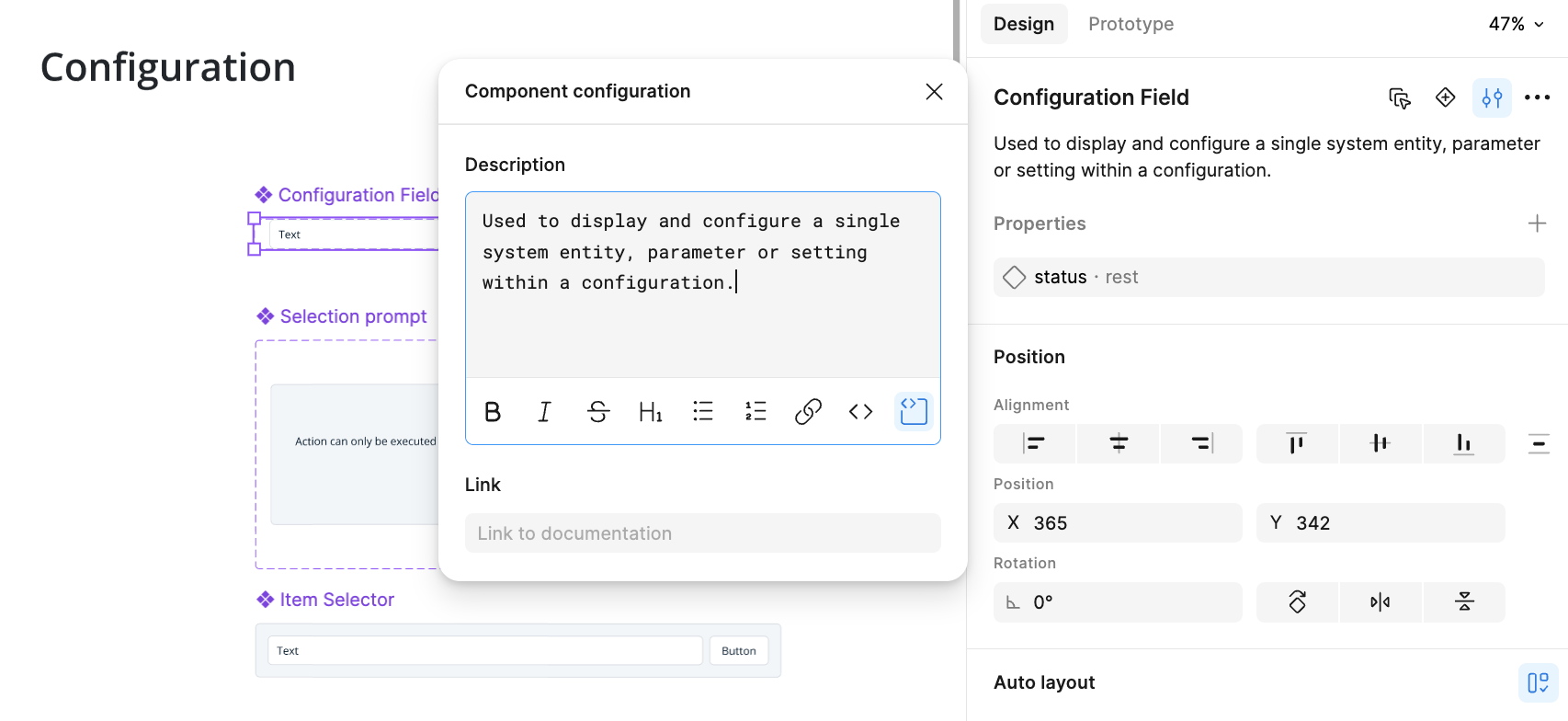
Figma Make runs on React. My team's product was built on Vue — so there was no direct bridge between our component library and AI-driven prototyping tools. That gap sent me looking for how to structure a design system that both a human designer and an AI tool could actually use.
The Discovery
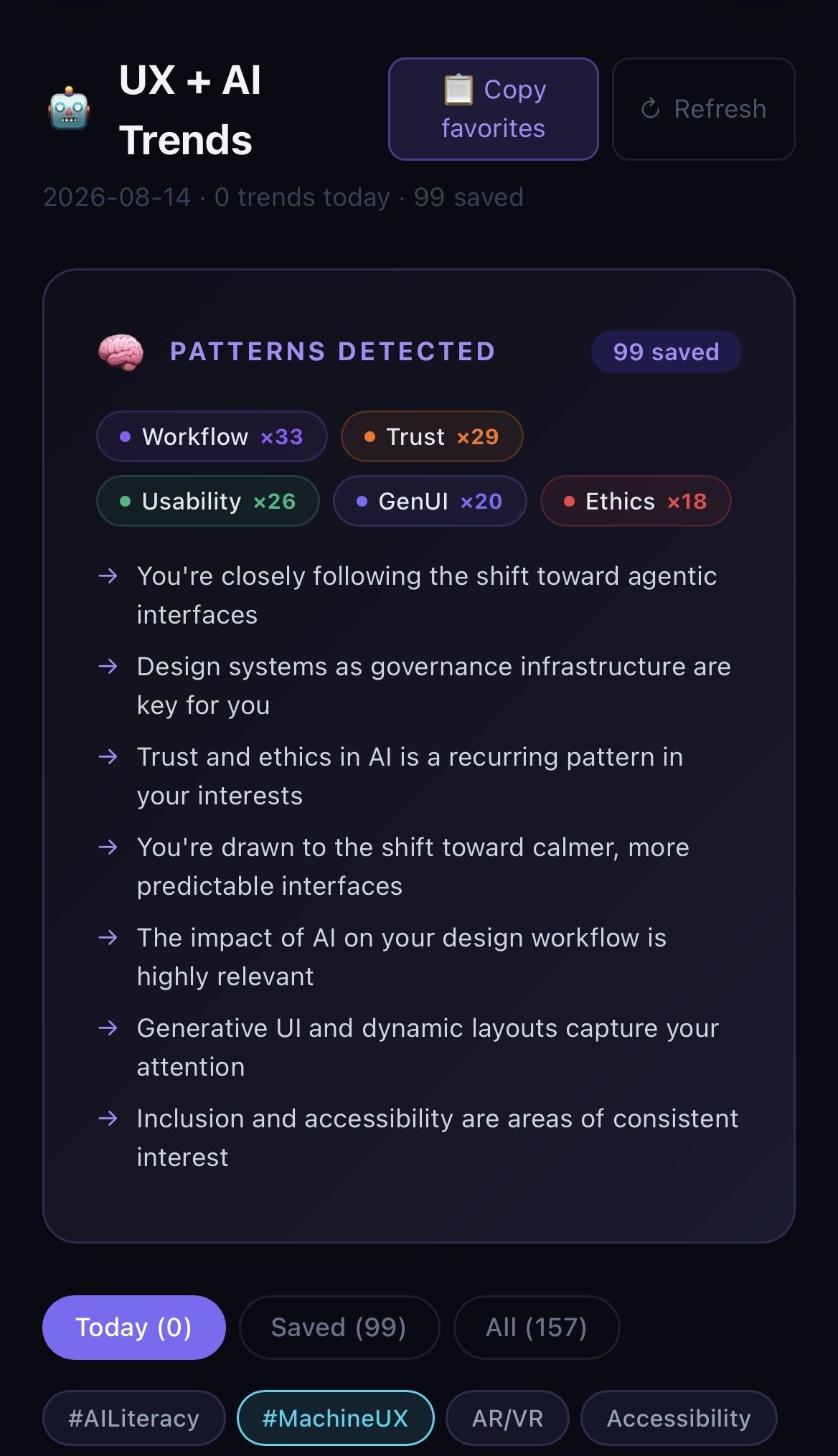
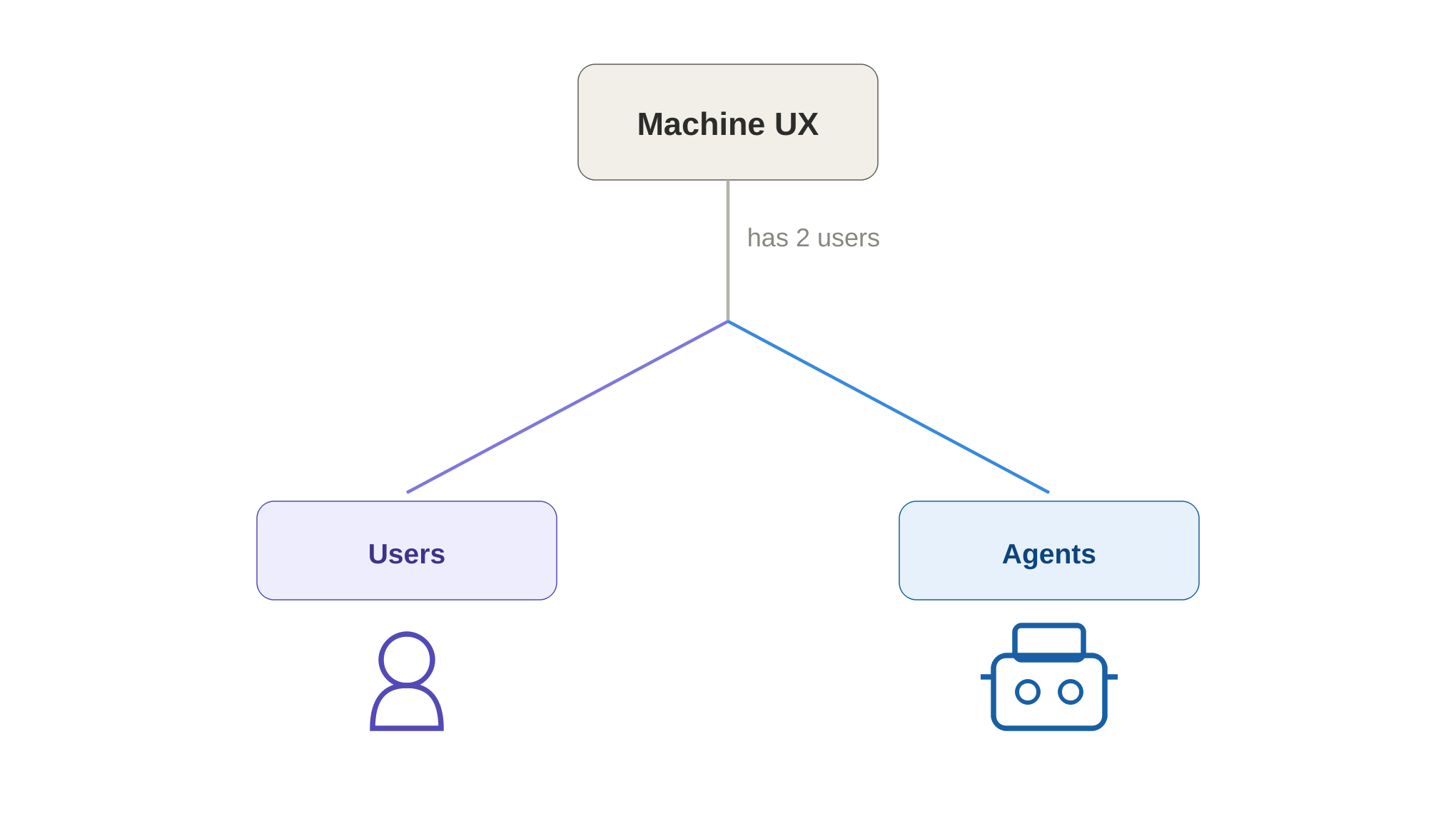
What started as a practical need to organize Figma turned into something bigger. Following my ongoing UX/AI trends tracking, I realized this practice already had a name: Machine UX — designing for two users at once, a person and an AI agent — with Agentic UX as a more specific layer underneath it.
The Process
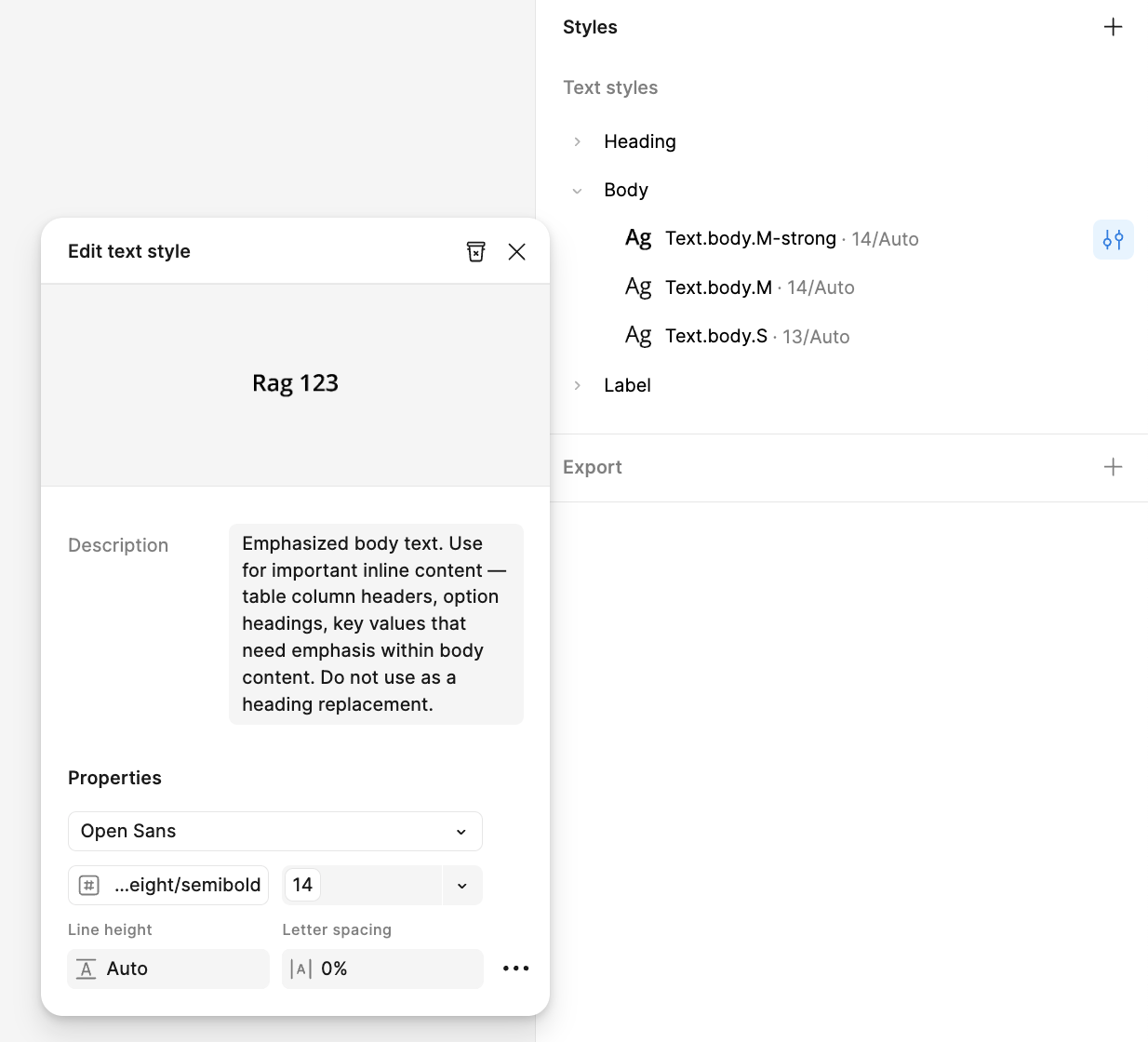
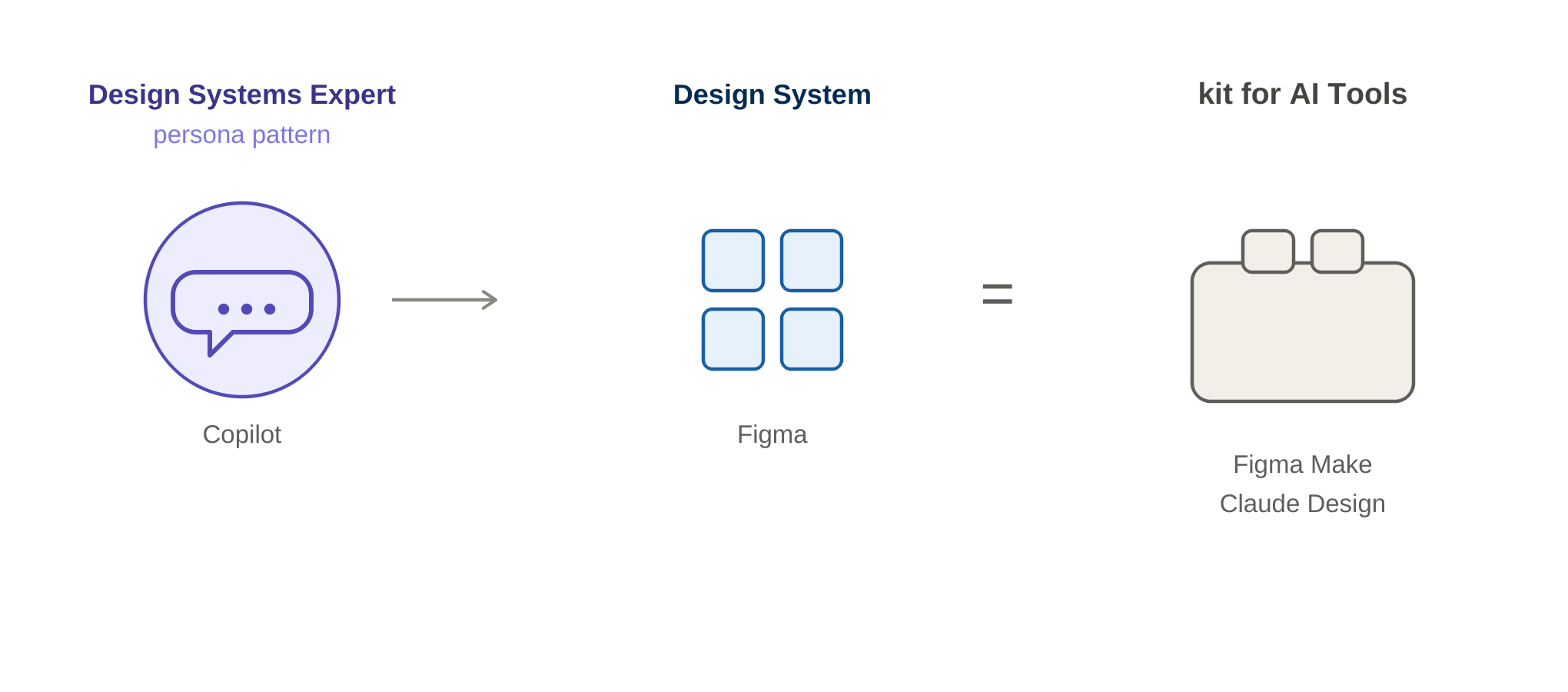
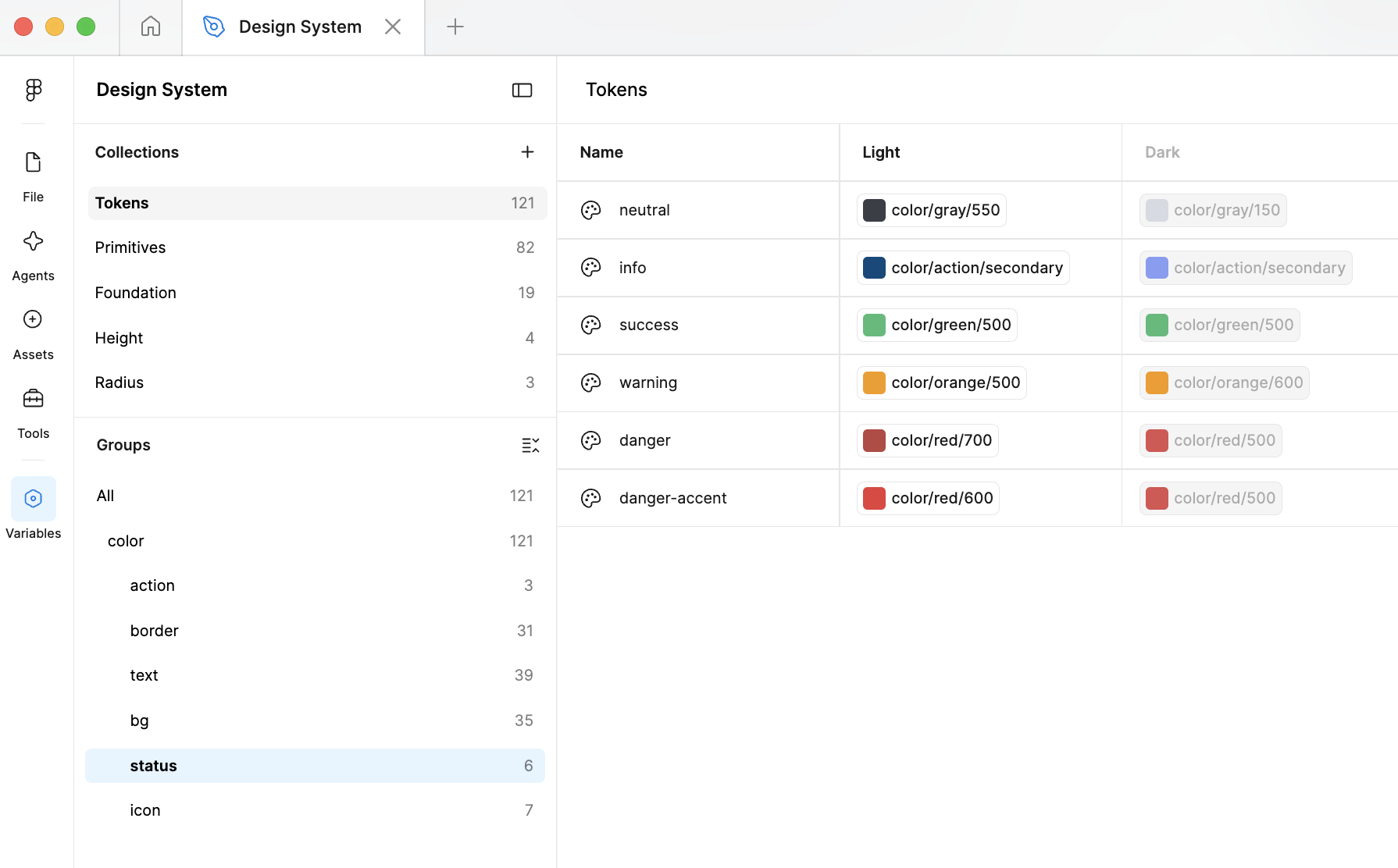
I worked through the system with a "Design Systems expert" persona pattern in Copilot — the same method I'd used for Calm Design, applied to a new problem. We started with the hardest part: a full color inventory across light and dark mode, with primitives named numerically and grouped by hue. Typography got the same primitive-first treatment. From there, semantic variants were named and grouped by use and relevance, and components received distinctive names with short, general descriptions — legible to a human designer, structured enough for an AI tool to parse.
What I Took Away
I didn't finish it — I'm leaving the company, and there's no one to carry it forward. But the real value wasn't the system itself, it was the realization behind it: before this year, most design and frontend teams didn't document components, tokens, or design systems with much rigor. I now believe — and I'm seeing the industry start to agree — that this kind of documentation is becoming foundational, not optional, as AI tools become part of the design-to-code pipeline.